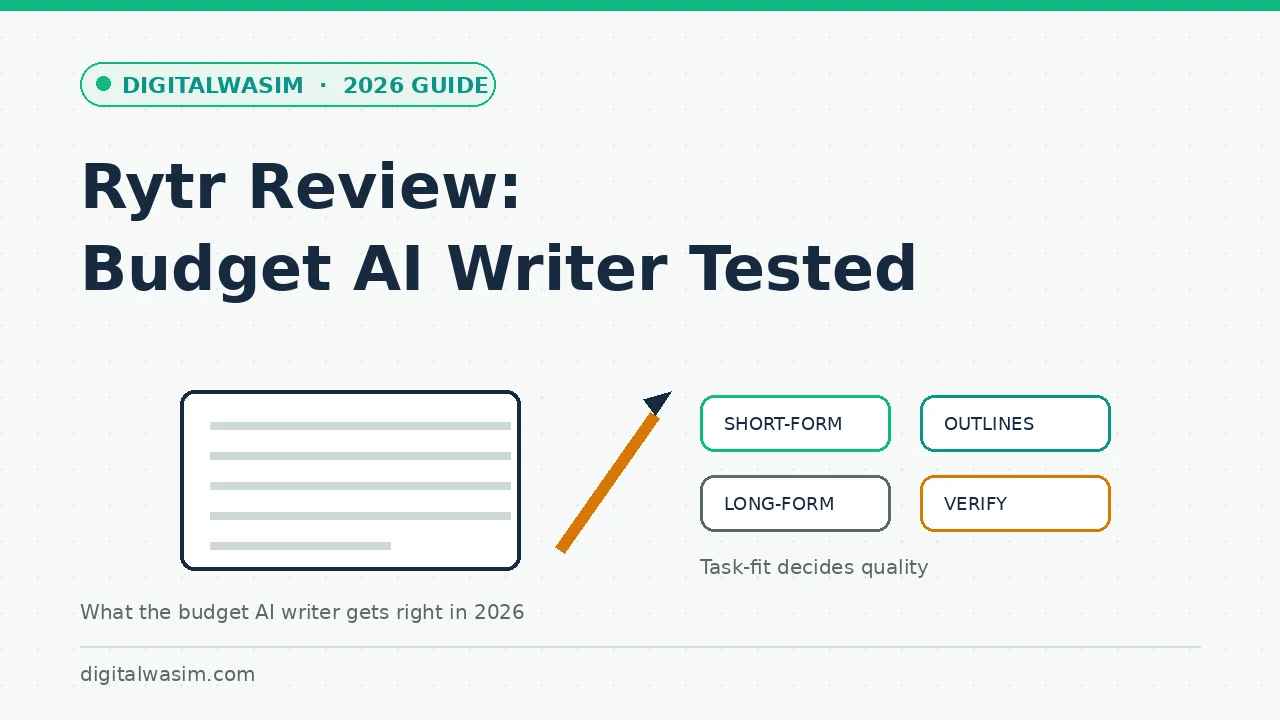
Rytr has occupied the same shelf for years: the affordable AI writing assistant for people who cannot justify enterprise tooling budgets. That positioning attracts two audiences with opposite needs. Bloggers on a budget hope it will produce publishable articles for the price of a coffee, and freelancers drowning in short-form work hope it will absorb the repetitive formats that eat their afternoons. One of those hopes survives contact with the product; the other needs a conversation.
This Rytr review 2026 edition is written for bloggers specifically. The assessment draws on the product's documented features, published plan structure, and the consistent patterns reported by long-term users, framed the way a colleague would brief you over coffee: what it does well, what it will never do for you, and where it fits alongside the general-purpose AI tools most writers already have open in a browser tab.
Quick answer:What Rytr Is and How It Is Packaged
Rytr is a browser-based AI writing tool built on large language models, wrapped in a template system aimed at marketers and creators. You pick a use case, choose a tone, give it a few lines of input, and it returns variations sized to the format. The editor supports light document work, and a Chrome extension carries the same generation into text boxes across the web, which is where many users spend most of their time.
official Rytr siteTask-by-Task Fit: Where It Works and Where It Fights You
The honest way to evaluate a budget AI writer is by task fit, not by a single quality score. The same model that produces a crisp product description in one prompt will produce mush when asked for a 2,000-word thought-leadership piece. Here is the realistic breakdown:
| Task | Fit | Why |
|---|---|---|
| Emails and outreach drafts | Strong | Short format, clear conventions, easy to edit |
| Social captions and variants | Strong | Volume generation is the point; you curate |
| Product descriptions | Strong | Structured input produces structured output |
| Blog outlines and intros | Good | Useful skeletons; you must add the substance |
| Full long-form articles | Weak | Generic, repetitive, needs heavy rewriting |
| Technical or YMYL topics | Avoid | Fluency hides factual risk; verify everything |
The pattern is consistent: Rytr shines where the format is rigid and your knowledge fills the gaps. It struggles exactly where depth, originality, and accountability matter, which is the same line every AI writing tool draws somewhere. Budget pricing buys you convenience at the short end of that line, not a free pass across it.
Output Quality: The Honest Assessment
Output quality is best described as competent-first-draft fluent. Given five lines of input, expect grammatically clean, structurally sound text that reads like a professional writer on autopilot. The tone selector does real work; the difference between formal and casual passes is noticeable rather than cosmetic. Where quality drops is specificity: the model reaches for the most statistically average phrasing available, which is another way of saying the most generic sentence possible.
AI prompts for blog writingFactual reliability requires the same discipline as any LLM tool: treat every statistic, date, price, and quote as unverified until you have checked it against a real source. Fluent-but-wrong is the failure mode that gets undedited AI content in trouble, both with readers and with search systems tuned to reward substance. The editing step is not optional overhead; it is where the tool's output becomes yours.
Rytr Against the Alternatives
AI writing tools comparison ChatGPT prompts for SEO contentAgainst premium long-form suites, the trade is reversed: you give up research depth, SERP-driven briefs, and document-scale coherence in exchange for a bill that does not require approval from anyone. For a freelancer whose income depends on turning around twenty product descriptions by Friday, that trade is obviously sensible. For a blogger writing one deep guide a week, the premium tools' structure may be worth more than Rytr's savings.
Plans and Pricing in Plain Terms
Because pricing decides most budget-tool decisions, here is the plan structure in plain terms, verified against the official site at the time of writing. The exact character numbers drift with promotions, so treat the shape as the stable part and the figures as the moving part:
| Plan | What you get | Fits whom |
|---|---|---|
| Free | Monthly character allowance, core templates, tones | Testing on real work before paying |
| Paid tiers | Higher or unlimited characters, plagiarism check, priority generation | Freelancers and steady short-form users |
| Team-style options | Multiple seats and shared usage on some tiers | Small agencies splitting one bill |
Two buying notes worth their weight. First, the free tier is a real production test, so run a full week of actual work on it before deciding; a demo project tells you nothing about your own volume. Second, compare the annual character math against your real output, not aspirational output, because the most common budget-tool mistake is paying for capacity a workflow never touches.
A Weekend Onboarding Plan
If the fit looks right, onboarding is a weekend exercise rather than a research project. The goal of the first sessions is calibrating the tool against your standards, not learning every template. This sequence gets a new user productive without letting raw output anywhere near a publish button:
- Day one: create an account on the free tier and regenerate one real email and one real caption you already wrote, then diff them against your versions.
- Day one evening: build a personal prompt snippet file with your niche, audience, and tone descriptors, and reuse it in every input.
- Day two: draft one blog outline and two section passages for a post you were going to write anyway, marking every claim that needs a source.
- Day two evening: edit those passages fully, timing how long the verification and rewrite actually took.
- Weekend wrap: decide from measured time saved, not from novelty, whether a paid tier pays for itself at your volume.
The diff exercise on day one does more than any review, including this one, because it measures the tool against your voice instead of a stranger's. If the edits took longer than writing from scratch, that is a legitimate verdict. If they halved the time on the repetitive formats, you have your answer, and it will be the same answer the tool gives every month after.
Using It Without Tripping Spam Policies
spam policies blog post writing guideThe Verdict Balance Sheet
Every review ends at the same fork: buy, trial, or skip. For Rytr the decision is unusually cheap to make, because the free tier is a real trial rather than a demo. Here is the summary judgment:
- Genuinely affordable: paid tiers cost less than most subscriptions in a blogger's stack.
- Real free tier lets you test on actual work before paying anything.
- Templates and tones remove setup friction for repetitive short-form formats.
- Chrome extension puts generation wherever you type, not just inside one app.
- Clean, fast editor with a low learning curve; productive within minutes.
And the honest counterweights:
- Long-form output is generic and repetitive without heavy human rewriting.
- No research or verification layer; every fact needs checking against sources.
- Packaging features do not change the underlying model's depth ceiling.
- Serious SEO workflows will still want a dedicated optimization suite alongside it.
The cons column is not an argument against the product; it is a description of the category at this price. If the workflow above matches your week, Rytr is one of the best values in the AI writing shelf. If you need depth the model cannot reach, no amount of discount changes that equation.
AI writing tools comparison