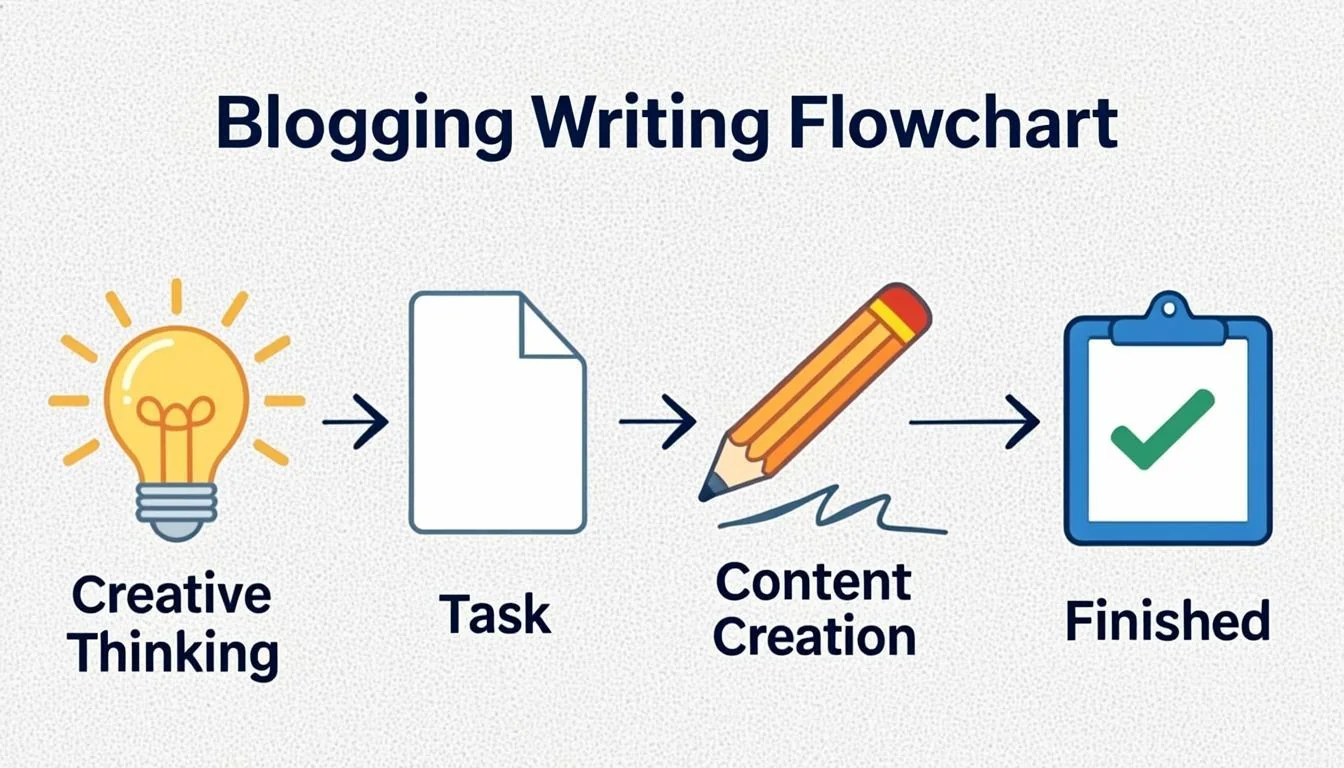
Writing a blog post seems simple until you sit down to do it. You open a blank document, stare at the cursor, and thirty minutes later you have written two sentences and deleted both of them. Every beginner goes through this. I went through it hundreds of times when I started blogging.
The problem is not your writing ability. The problem is that you are trying to write and think at the same time. Professional bloggers do not sit down and just start typing. They follow a structured process that makes the actual writing part fast and almost effortless.
This guide walks you through the exact process I use to write every blog post. It is the same process I have refined over eight years of publishing content that ranks on Google and drives real traffic. Follow these steps in order and you will never stare at a blank page again.

Step 1: Choose a Topic People Are Searching For
The biggest mistake new bloggers make is writing about whatever they feel like. That works for a personal journal. It does not work for a blog that needs traffic. If nobody is searching for your topic, nobody will find your post.
free SEO tools What makes a good blog topic:- People are actively searching for it on Google
- You can provide a better or more complete answer than what already exists
- The topic fits your blog's niche and audience
- You have enough knowledge or can research enough to write a comprehensive post
- The search intent is informational, meaning people want to learn something
I spend ten to fifteen minutes on topic selection before committing to write. This small investment saves hours of wasted effort on posts that nobody will ever read.
How to Find Topics Quickly
Type your general topic into Google and scroll to the bottom. You will see related searches. Each of those is a potential blog post. Click on one and check the "People Also Ask" questions. Each question is another potential post. Within ten minutes you can find ten to twenty viable topics.
find low competition keywordsStep 2: Research Existing Content
Before you write a single word, look at what already ranks on page one for your target keyword. Open the top five results and read them carefully. You are not copying them. You are understanding what Google considers the best answer to this search query.
helpful content guidance What to analyze in the top results:- How long are the posts? If the top three results are all 2,000+ words, a 500-word post will not compete
- What topics do they cover? Make a list of every subtopic and question they address
- What do they miss? Look for gaps, outdated information, or questions they did not answer
- How is the content formatted? Do they use lists, tables, images, or step-by-step instructions?
- What is the tone? Is it casual, professional, academic, or conversational?
Your goal is to write a post that is more comprehensive, better formatted, and more helpful than anything currently on page one. You do not need to be an expert on the topic. You just need to create the best resource available.
Researching existing content is not cheating. It is understanding what your competition looks like so you can create something better. Every professional writer does this.
Step 3: Create a Detailed Outline
This is the step that separates professional bloggers from amateurs. An outline gives your post structure before you start writing. It prevents rambling, ensures you cover every important point, and makes the actual writing much faster because you are just filling in the blanks.
| Step | Goal | Time Box |
|---|---|---|
| 1. Choose a searched topic | Confirm real demand | 30-45 min |
| 2. Research existing content | Find the content gap | 30-45 min |
| 3. Create a detailed outline | Structure before prose | 30 min |
| 4. Draft without editing | Speed over polish | 60-90 min |
| 5-6. Intro + body editing | Clarity and scannability | 60 min |
| 7-8. Links + SEO pass | Rank-readiness | 30-45 min |
- Introduction — Hook the reader, state the problem, and promise a solution
- Main sections — Three to seven major sections, each covering one aspect of the topic
- Subsections — Two to four subsections under each main section for detail
- Practical elements — Decide where to add images, tables, lists, and tips
- Conclusion — Summarize the key takeaways and include a call to action
Outline Template That Works
Here is the structure I use for most of my blog posts:
- Opening hook with a relatable problem or surprising statistic
- Brief personal experience or observation
- Promise of what the reader will learn
- Main content organized by subtopics with clear headings
- At least one image, table, or visual element per major section
- Practical tips or actionable steps in highlighted boxes
- Internal links to two to four related posts
- Summary of key points
- A clear next step for the reader
Step 4: Write the First Draft Without Editing
Here is the most important writing advice you will ever receive. Write the first draft without stopping to edit. Do not fix typos. Do not rephrase sentences. Do not go back and read what you just wrote. Just keep moving forward.
The reason is simple. Writing and editing use different parts of your brain. When you constantly switch between creating and critiquing, you break your flow and the whole process takes three times longer. Write now. Edit later.
Tips for fast first drafts:- Set a timer for 25 minutes and write without stopping until it rings
- If you get stuck on a section, skip it and come back later
- Write in a conversational tone as if you are explaining the topic to a friend
- Do not aim for perfection. Aim for completion
- Use placeholders like [ADD IMAGE HERE] or [FIND STATISTIC] and keep moving
Most of my blog posts take 45 to 90 minutes to draft. The editing takes another 30 to 60 minutes. If I tried to edit while writing, the same post would take four to five hours.
Step 5: Write a Compelling Introduction
Your introduction has one job. Make the reader want to keep reading. You have about ten seconds to capture someone's attention before they click the back button. The introduction needs to hook them immediately.
Introduction formulas that work:- Problem first — State a problem the reader has and promise to solve it
- Surprising fact — Open with a statistic or fact that challenges common assumptions
- Personal story — Share a brief experience that the reader can relate to
- Bold claim — Make a strong statement that the reader wants you to prove
- Question — Ask a question that the reader genuinely wants the answer to
A good introduction is three to five short paragraphs. The first paragraph hooks. The second and third build context. The final paragraph tells the reader exactly what they will learn and sets expectations.
Avoid generic openings like "In today's world" or "In this article, we will discuss." These add zero value and train readers to skip your introduction entirely.
Step 6: Write Clear, Scannable Body Content
Most people do not read blog posts. They scan them. Eye-tracking studies show that online readers follow an F-shaped pattern. They read the first line of each section and then skim for interesting words and phrases.
AI image generation guide for blogs image guidelinesThis means your content needs to be scannable. Long, dense paragraphs are invisible to scanners. You need to break your content into small, digestible chunks.
Formatting rules for scannable content:- Keep paragraphs to two to four sentences maximum
- Use H2 and H3 headings to create a clear hierarchy
- Include bullet points and numbered lists for steps or features
- Bold key phrases so scanners can find them quickly
- Use blockquotes for important tips or expert quotes
- Add tables when comparing options or features
- Include images every 300 to 500 words to break up text
Use Short Paragraphs Consistently
This is the single biggest quality improvement most bloggers can make. Look at any successful blog and you will notice the paragraphs are short. Two to three sentences. Occasionally four. Never eight or ten.
Short paragraphs create white space on the page. White space makes the content feel less intimidating. It makes people more likely to start reading. And it makes the content easier to digest once they start.
If you are currently writing paragraphs that are six or more sentences long, go back and break them up. Find the natural pause points and add a line break. Your content will immediately look and read better.
Step 7: Add Internal and External Links
Links are the connective tissue of your blog. Internal links connect your posts together and help Google discover and understand your site structure. External links to authoritative sources signal to Google that your content is well-researched.
Internal linking best practices:- Link to two to four relevant posts within each new article
- Use descriptive anchor text of two to six words that tells the reader what to expect
- Link naturally within sentences, not forced at the end of paragraphs
- Vary your anchor text. Do not use the same anchor for the same URL every time
- Prioritize linking to newer or less-linked posts that need a ranking boost
- Link to one to three authoritative sources per post
- Use sources like Google's documentation, university studies, or well-known industry publications
- Set external links to open in a new tab so readers stay on your site
- Do not overdo it. Five to six total links per 1500 words is a good range
Step 8: Optimize for SEO Before Publishing
Before you hit publish, run through your SEO checklist. This takes five minutes and ensures your post has the best chance of ranking.
Pre-publish SEO checklist:- The primary keyword appears in the title, first paragraph, and at least one heading
- The meta description includes the keyword and is under 160 characters
- The URL slug is short, descriptive, and includes the keyword
- All images have descriptive alt text
- There is only one H1 heading (your title)
- H2 and H3 headings follow a logical hierarchy
- Internal links point to relevant posts
- The post is at least 1500 words for informational topics
- The content answers the search intent behind the keyword
- There are no grammatical errors or broken sentences
This is essentially the same checklist I follow for every post. When you make this a habit, it takes less than five minutes per post and dramatically improves your chances of ranking.

Step 9: Add Visual Elements
A wall of text is exhausting to read. Visual elements break up the content, illustrate key points, and keep readers engaged longer. Posts with images get 94% more views than posts without images.
Visual elements to include in every post:- A featured image that represents the topic (use WebP format for speed)
- One to three in-article images at key points in the content
- At least one table, comparison, or visual data representation
- Blockquotes for important tips or expert insights
- Numbered lists for processes or steps
- Callout boxes or highlighted tips
Step 10: Edit, Proofread, and Publish
The final step is editing. Read your entire post from start to finish. Fix typos, rephrase awkward sentences, and check that the flow makes sense. Then read it one more time focusing only on the reader experience.
Editing questions to ask yourself:- Does the introduction make me want to keep reading?
- Is every section necessary, or is there fluff I can cut?
- Are the transitions between sections smooth?
- Would a complete beginner understand this, or am I assuming too much knowledge?
- Is there a clear takeaway in every section?
- Does the conclusion tell the reader what to do next?
After editing, run the post through a grammar checker. Tools like Grammarly catch errors that you might miss after reading your own writing multiple times. But do not accept every suggestion blindly. Sometimes your natural voice is better than what the tool recommends.
Google Search ConsoleThe Writing Process Gets Faster
The first blog post you write using this process might take three to four hours. That is normal. By your fifth post, it will take two hours. By your twentieth post, you will be writing high-quality posts in 60 to 90 minutes.
The process becomes automatic. You will naturally think in outlines. Your research phase will become faster because you will already know your niche. Your editing will take less time because you will make fewer mistakes.
The bloggers who succeed are not the best writers. They are the most consistent ones. Follow this process, publish regularly, and improve with each post. That is the only formula that works.