Theme shopping is where new bloggers burn their first weeks: thirty browser tabs, five demo sites, and a decision made on the prettiest screenshot rather than the things that matter. The screenshot is the one part you will change anyway. What you live with for years is the code weight, the update rhythm, and whether the theme fights or follows the way WordPress itself is moving.
This shortlist of the best WordPress blog themes for 2026 optimizes for what actually compounds: speed, clean structure, honest update histories, and room to grow. Every pick has a free version from the official directory, a track record you can verify, and a clear fit profile, because the best theme is not a universal answer, it is the one shaped like your blog.
Quick answer:How This Shortlist Was Built: The Criteria
web.dev official themes directoryThe Picks: Six Themes and Who Each One Fits
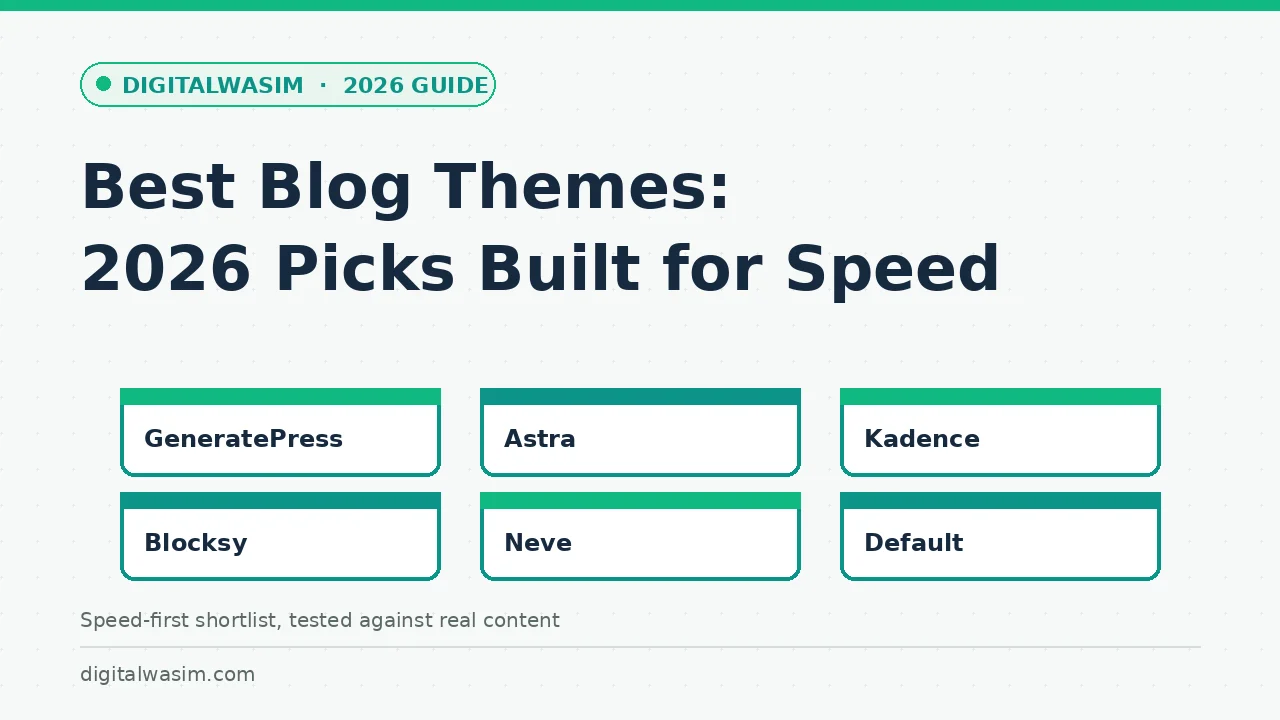
GeneratePress has earned its reputation by being aggressively boring in the best sense: a tiny performance footprint, clean markup, and a hook-and-filter system that lets developers customize almost anything without touching templates. The free version covers a solid blog out of the box; the premium add-on unlocks the site library and finer module control. Choose it if you value engineering discipline and want a theme that will still feel current in five years.
Astra is the ecosystem pick, and its starter template library is the practical reason: import a complete blog layout, swap in your content, and launch in an afternoon. Performance is solid, the free version is genuinely usable, and the community around it means most questions have answers already written. Choose it if you want the fastest path from zero to a designed blog and appreciate deep integration with popular page builders.
Kadence represents the block-editor-native generation: its design system lives inside Gutenberg rather than around it, with header and footer building, typography controls, and the Kadence Blocks plugin extending layouts without a separate builder plugin. Choose it if you edit visually in the block editor and want your theme and your editing experience to be the same thing instead of two systems negotiating.
Blocksy and Neve round out the list with distinct personalities. Blocksy offers unusually deep customization for a free theme, with per-element controls that approach premium territory, ideal for tinkerers who want precision without code. Neve is the minimalist's choice: light, quick to set up, with a starter-site library, ideal for writers who want the theme to disappear behind the content. And do not overlook the bundled default block themes; recent defaults like Twenty Twenty-Five are lightweight, standards-aligned, and free of every commercial agenda.
Side-by-Side Comparison
The comparison table compresses everything above into the decision you are actually making. Fit matters more than rank; a theme one row down but shaped like your workflow will serve you better than the top row on paper.
| Theme | Best for | Standout strength | Watch out for |
|---|---|---|---|
| GeneratePress | Long-term control | Tiny footprint, developer-grade hooks | Premium needed for finer modules |
| Astra | Fast launch | Starter templates, huge ecosystem | Pro features pull toward annual license |
| Kadence | Block-editor fans | Native Gutenberg design system | Blocks plugin adds a maintenance layer |
| Blocksy | Precision tinkerers | Deep free-version customization | Option depth can slow initial setup |
| Neve | Minimalist writers | Light, simple, quick setup | Fewer advanced controls than rivals |
| Default block themes | Zero-dependency purists | Clean, free, always current | Design ceiling without extra work |
Three Speed Myths That Cost Money
Before the table, three myths worth burying, because they cost real money every year. Myth one: premium means fast. Plenty of paid themes ship heavier code than the free picks above, because license fees fund features, not engineering discipline. The kilobytes tell the truth; the price tag does not. Myth two: more demos mean more capability. A theme advertising two hundred demos bundles the weight of two hundred possibilities into every page load unless its loader is genuinely surgical, which most are not.
Myth three: you will switch themes later, so speed does not matter now. In practice, theme switches happen years apart, and the slow choice taxes every reader visit in between. Setting rankings aside, the compounding arithmetic is simple: a theme that saves half a second on a two-second load improves every session, every month, for the life of the site. No other one-time blogging decision offers that interest rate, which is why this list refuses to recommend anything heavy regardless of how good its marketing looks.
The Mobile and Typography Checklist
Speed scores in demos hide the experience details that decide whether readers stay, so run this checklist on any candidate with your own content loaded. Every item takes a minute on a phone, and together they predict reader satisfaction better than any benchmark screenshot:
- Headings nest logically in your longest post, H1 from the title down, no skipped levels for styling reasons.
- Body text measures comfortable on a six-inch screen: readable size, short lines, generous spacing.
- Layout holds still while the page loads; nothing jumps under your thumb mid-scroll.
- Navigation, search, and categories are reachable without hunting on mobile.
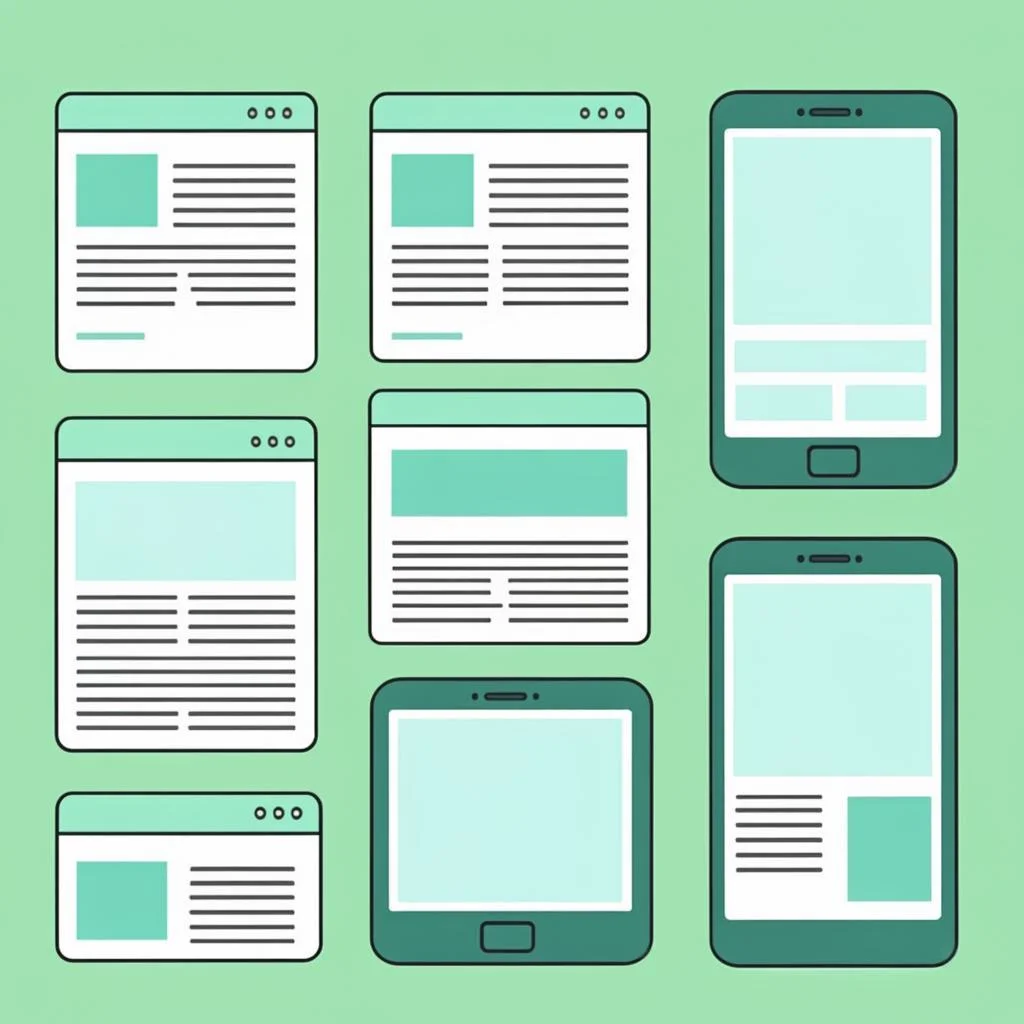
- Images keep their proportions, and captions stay attached to their pictures at every width.
- The theme prints clean HTML for your key pages, without builder wrappers stacking five divs deep.
That last item matters more than it sounds. Themes that wrap content in nested layout containers make every future optimization harder, from schema work to responsive fixes, because you are editing markup you did not write. Clean output is a gift to future-you, and it is one of the quietest reasons the picks above keep appearing on speed-first lists year after year.
The Ten-Minute Decision Sequence
The decision sequence takes ten minutes and prevents the tab-sprawl relapse. One: write down your blog's shape, one author, content-focused, mostly text with images. Two: choose the editing style you prefer, block editor native or classic customizer. Three: shortlist two themes matching those answers from the list above. Four: install the free version of each on a staging site with your real plugins active.
hosting guideAfter the switch, give the choice thirty days before judging it. Watch search console coverage for indexing hiccups, analytics for engagement shifts, and your own writing sessions for friction you did not expect. Themes feel different in week one and normal by week four, and the only opinions that survive a month are the ones earned by real publishing on real pages. Most buyers who follow this sequence never need the refund window the paid tiers offer, which is the quietest possible endorsement of testing before committing.
Red Flags and the Themes-versus-Platforms Question
A few red flags worth naming so you recognize them in the wild. Multipurpose themes advertising hundreds of demos usually bundle a private page builder whose code follows every page you publish, whether or not you use its layouts. Themes without update histories in months are abandonment risks, and themes sold only through third-party markets rather than the official directory are license and security risks. All three fail the longevity test this list is built on.
blogging platforms guideAccessibility deserves a final word in any honest shortlist, because it is the quality most theme showcases skip. Keyboard navigation that reaches every menu item, color contrast that survives outdoor reading, and focus states that show where you are all widen your audience and happen to align with what search systems increasingly measure. Every pick above handles the basics respectably, but whichever theme you choose, spend one hour testing with the keyboard only and the screen at arm's length. The fixes you find will improve the site for every reader, and most of them take minutes to apply through the theme's own options.
The best WordPress blog themes of 2026 share one trait: they respect the reader's time and the publisher's future. GeneratePress, Astra, Kadence, Blocksy, Neve, and the honest default block themes all pass that test in different accents. Choose by fit, test with your real content, keep the code light, and move on to the work that compounds: writing things worth finding. A theme can hold the door open for rankings; only your content walks through it.